
Staying productive online is no longer just about working harder – everyone can work hard these days (or at least they say they can). Nowadays with the appearance of AI productivity is becoming more and more about orchestrating the right tools to simplify everyday tasks, reduce distractions, and organize information efficiently.
Whether you work remotely, study online, manage projects, or simply want to stay organized, there are dozens of free tools that can significantly improve your workflow without requiring expensive software or complicated setups.
In this guide, we’ll look at some of the best free online productivity tools for everyday use.

1. Notion – All-in-One Workspace
Best for:
- Notes
- Task management
- Knowledge bases
- Personal organization
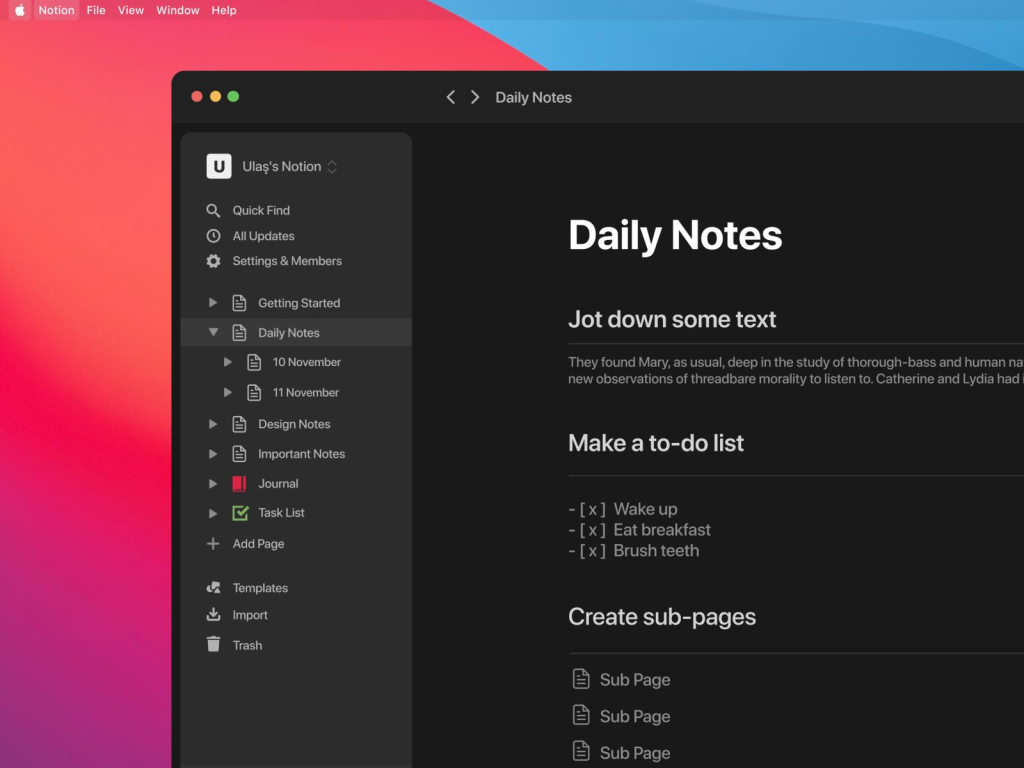
Notion combines note-taking, project planning, task tracking, and databases into a single workspace.
You can create:
- to-do lists;
- content calendars;
- personal dashboards;
- study notes;
- team documentation.
The free version is more than enough for personal use and small teams.
Why people like it:
- clean interface;
- highly customizable;
- works on desktop and mobile;
- supports collaboration.
Potential downside:
New users may need some time to learn how to structure pages efficiently, so we’ve deisgned this Notion 101 guide for you – check it out.
2. Trello – Simple Visual Task Management for Productivity
Best for:
- Personal task tracking
- Small team collaboration
- Kanban workflows
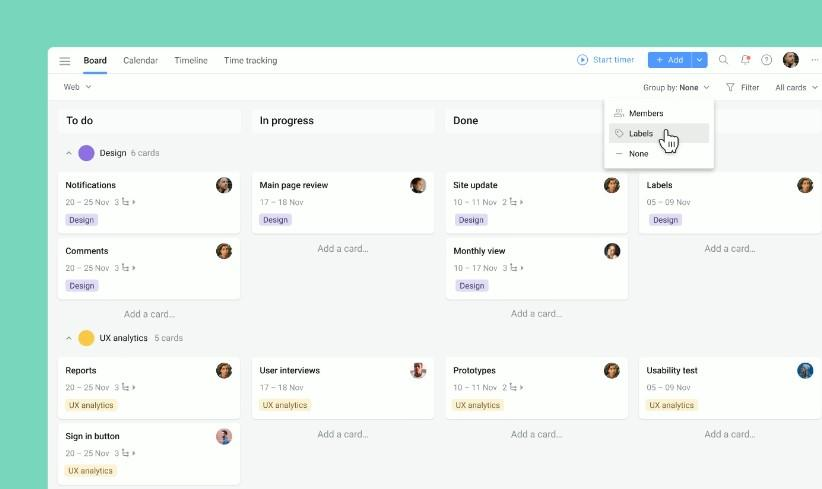
Trello uses a visual card-and-board system that makes organizing tasks extremely simple.
You can:
- create boards for projects;
- move tasks between columns;
- assign deadlines;
- attach files and comments.
It’s especially useful for people who prefer visual workflows over spreadsheets or complex project management systems.
Free features include:
- unlimited personal cards;
- due dates;
- checklists;
- integrations with common apps.
3. Google Keep – Keep your Productivity up with Fast Notes and Reminders
Best for:
- Quick notes
- Shopping lists
- Simple reminders
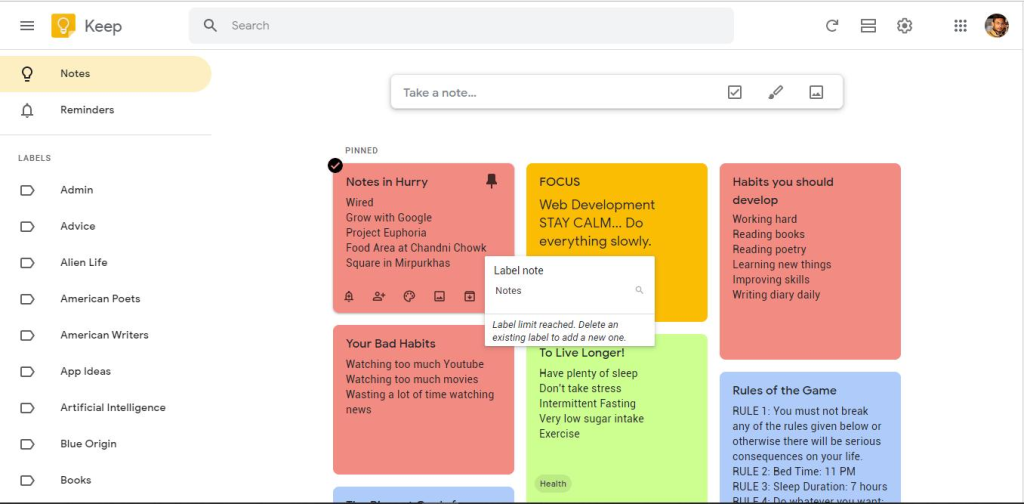
Google Keep is one of the simplest productivity tools available.
It allows users to:
- create quick notes;
- pin important reminders;
- organize lists with labels and colors;
- synchronize across devices instantly.
Its biggest strength is speed – opening the app and capturing ideas takes only seconds.
4. Grammarly – Writing Assistant
Best for:
- Emails
- Articles
- Professional communication
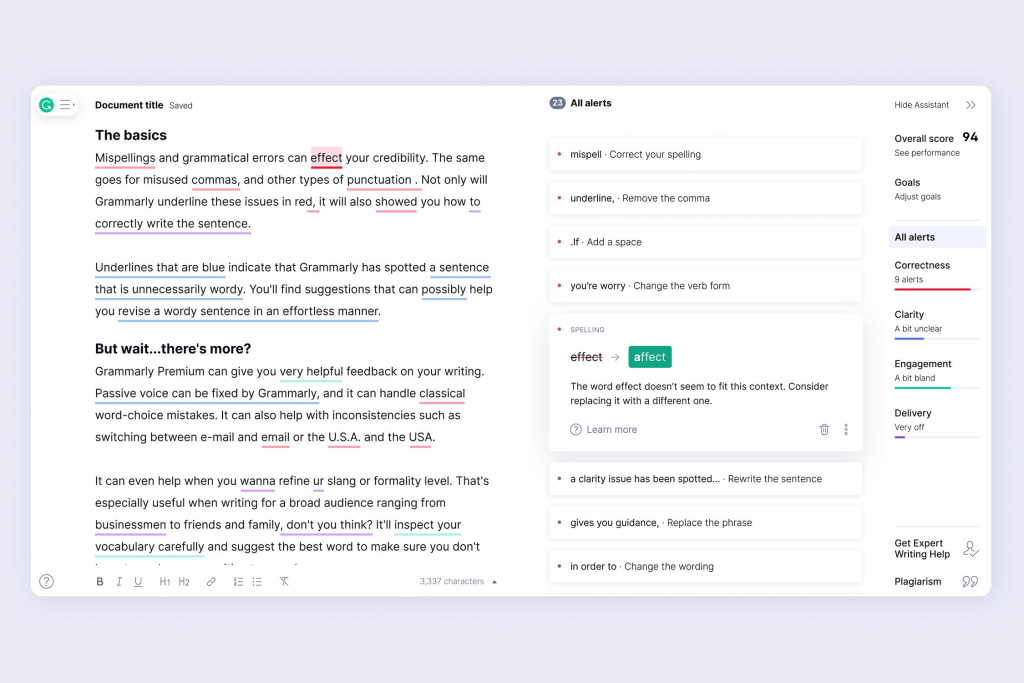
Grammarly helps improve writing quality by checking:
- grammar;
- spelling;
- punctuation;
- readability;
- tone.
The free version already provides strong basic proofreading capabilities.
It’s especially useful for:
- remote workers;
- students;
- content creators;
- non-native English speakers.
5. Canva – Easy Graphic Design
Best for:
- Social media graphics
- Presentations
- Simple visual content
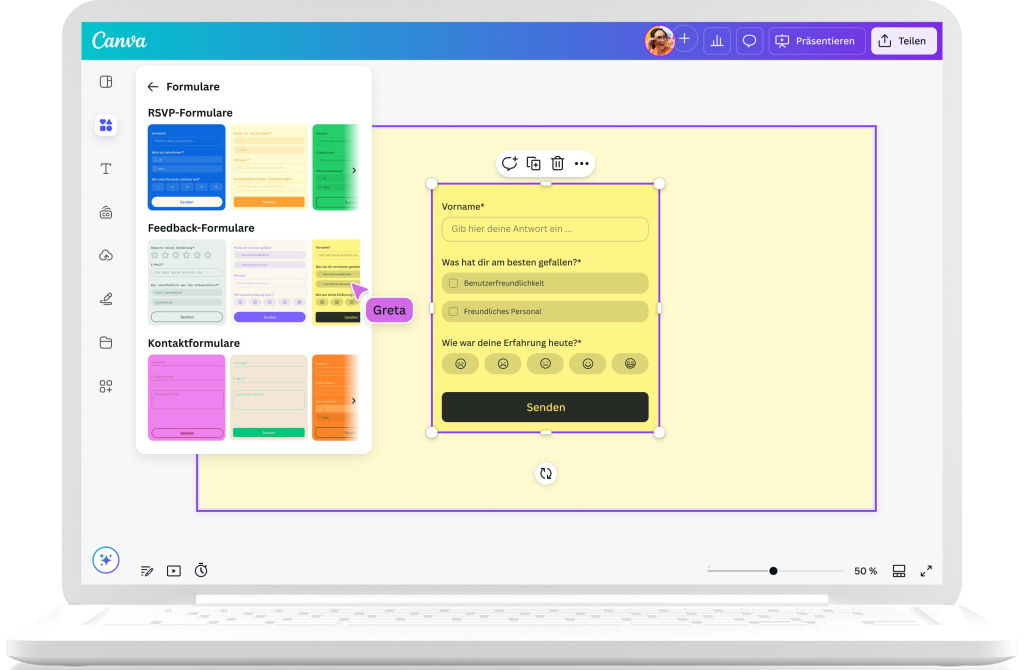
Canva makes graphic design accessible even for beginners.
You can create:
- presentations;
- thumbnails;
- resumes;
- social media posts;
- infographics.
The drag-and-drop interface is beginner-friendly, and the free plan includes thousands of templates.
6. Clockify – Free Time Tracking
Best for:
- Freelancers
- Remote teams
- Time management
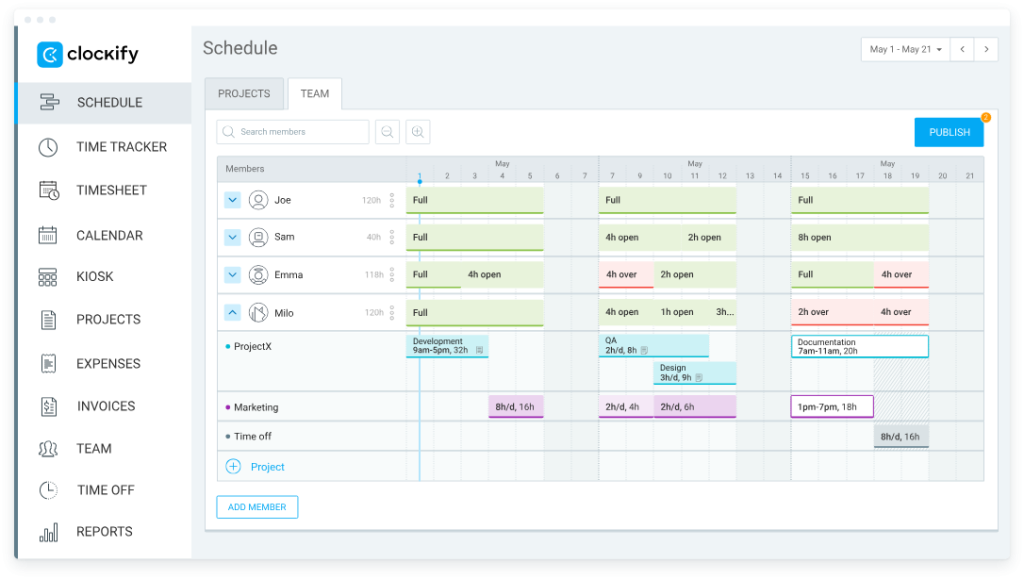
Clockify is a free time tracking platform that helps users understand where their time goes during the day.
Features include:
- timers;
- project tracking;
- reports;
- billable hours;
- team collaboration.
It’s particularly useful for improving focus and identifying productivity bottlenecks.
7. Google Drive – Cloud Storage and Collaboration
Best for:
- File storage
- Document collaboration
- Team workflows
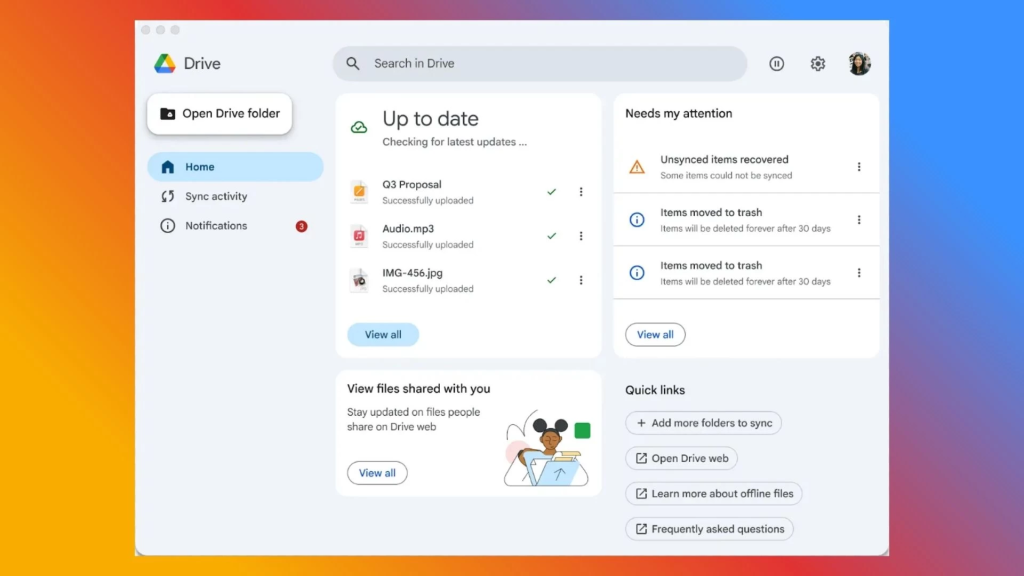
Google Drive remains one of the most practical free productivity ecosystems.
Users can:
- store files online;
- edit documents collaboratively;
- create spreadsheets and presentations;
- share files instantly.
For many users, Google Docs alone can replace traditional office software.
Tips for Choosing Productivity Tools
Not every tool works for every person. Before adopting new software, ask yourself:
- Does this tool solve a real problem?
- Is it simple enough to use consistently?
- Does it reduce or increase complexity?
- Can it integrate into my existing workflow?
Trying too many productivity apps at once can actually reduce productivity.
A better approach is to start with 2-3 core tools and build habits around them.
Final Thoughts on Productivity
The best productivity tools are not necessarily the most expensive or feature-rich. Often, the simplest tools provide the biggest improvements in daily organization, focus, and efficiency.
Free online tools like Notion, Trello, Grammarly, Canva, and Google Drive can already cover most everyday productivity needs for students, freelancers, remote workers, and small teams.
The key is consistency – using a small set of reliable tools regularly is usually more effective than constantly switching between new apps.
Hi, this is a comment.
To get started with moderating, editing, and deleting comments, please visit the Comments screen in the dashboard.
Commenter avatars come from Gravatar.